
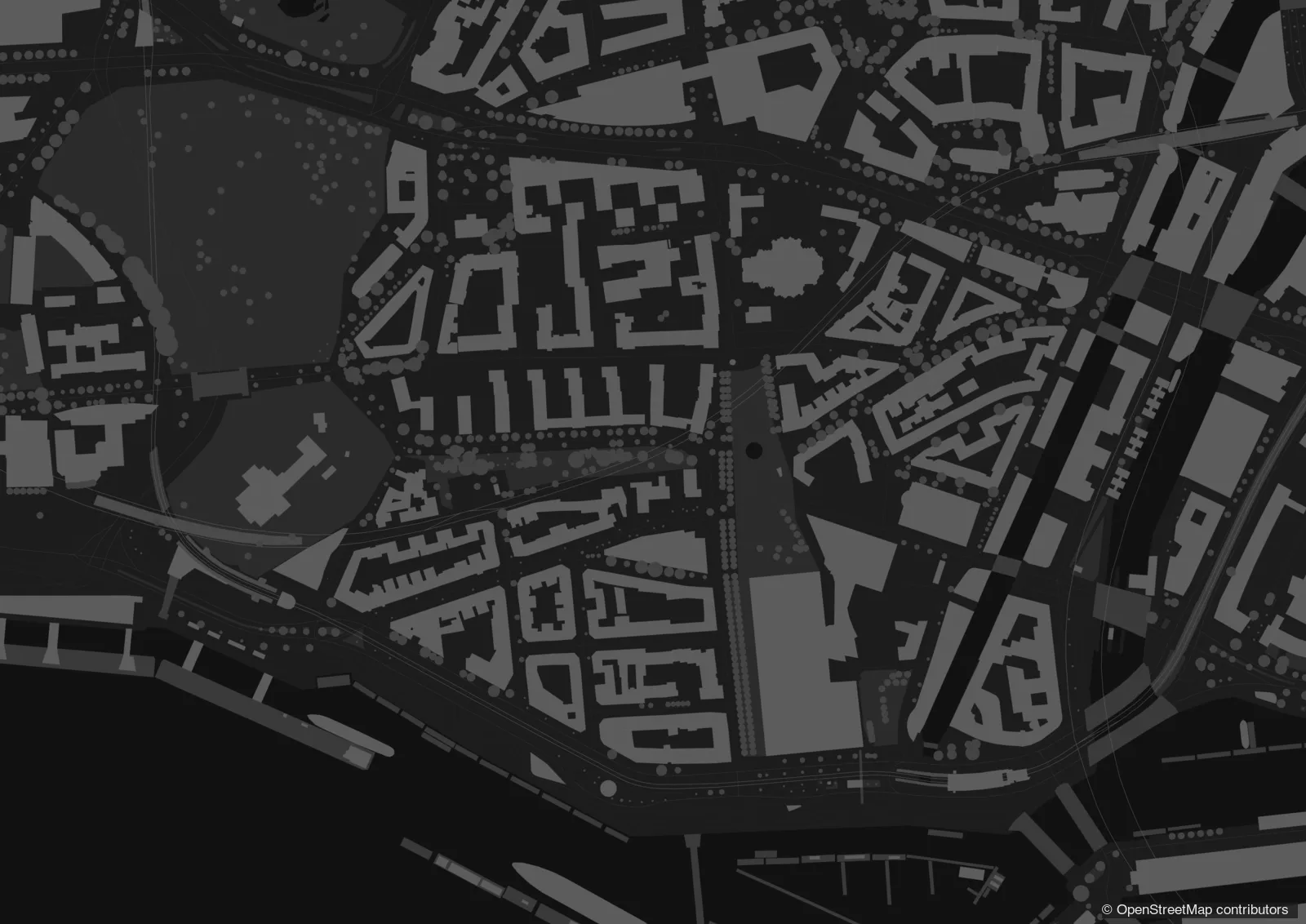
Dark site plan in greyscale
Buildings, streets, green space and water in finely graded greys on a dark ground: a calm, elegant site plan that makes a coloured design stand out.
Start with this templateOpens Plantaube with the template applied. Free, no sign-up.
Why a dark plan?
On screens, projectors and in slide decks a dark plan feels calmer than a light one. The context steps back, and whatever you want to highlight – a design, a plot, a route – stands out.
The template sets every layer in greyscale: light buildings, dark streets and open space, near-black water. Each layer can be fine-tuned and saved as your own template.
What it’s for
Presentations
Base maps for slides, juries and client meetings.
Web & social media
Maps that fit dark designs and feeds.
Highlight a design
Lay your own plan over it in colour as GeoJSON or from a WFS.
How to make it in Plantaube
- 1Search for a place, choose paper size and scale.
- 2Click “Continue to Adding Layers” – the plan appears in greyscale.
- 3Adjust the greys and add your own data in colour if you like.
- 4Export as PNG, SVG or PDF.
Frequently asked questions
Can I print the dark plan?
Yes, but large dark areas use a lot of toner and look heavy on paper. For print, the figure-ground plan or the standard style usually work better.
Can I change the greys?
Yes. Each layer has its own colours and line weights, and colour accents are possible too.
More plan types
Site plan
The colourful Plantaube standard: buildings, trees, green space, water and land use.
Public transport map
Metro, rail, tram and bus lines with their stops – around any location.
Aerial photo plan
Official aerial photo with building outlines – to scale.
Figure-ground plan
The urban fabric at a glance: black buildings on a white ground.
Parcel map
Official German cadastral parcels (ALKIS) with numbers, buildings and house numbers.
Urban design plan with shadows
Building masses with floor counts and cast shadows – competition style.
Property location map
A neighbourhood map for listings, with the property highlighted.